Flower Wallpapers: Floral Backgrounds for iPhone and Android
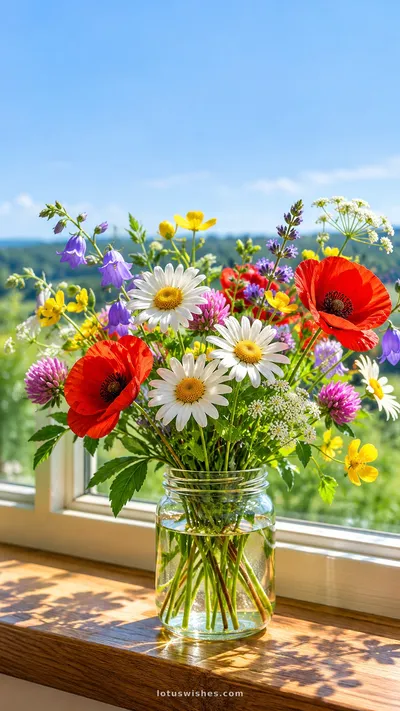
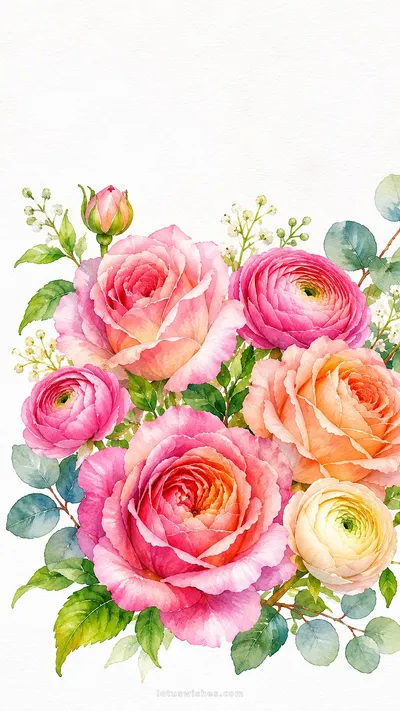
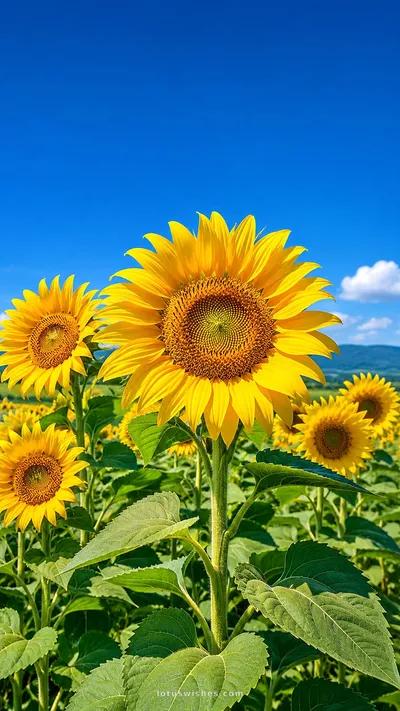
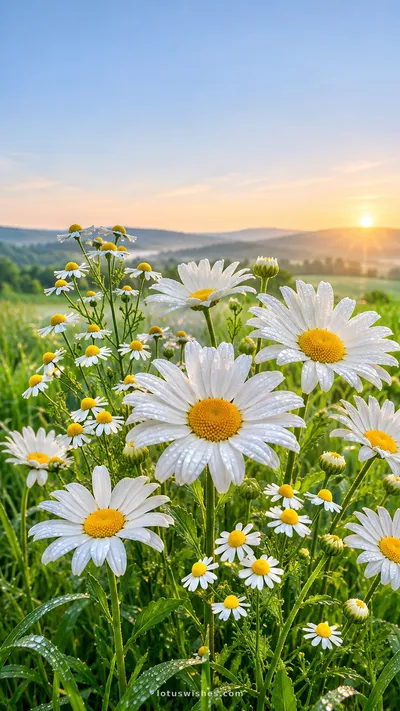
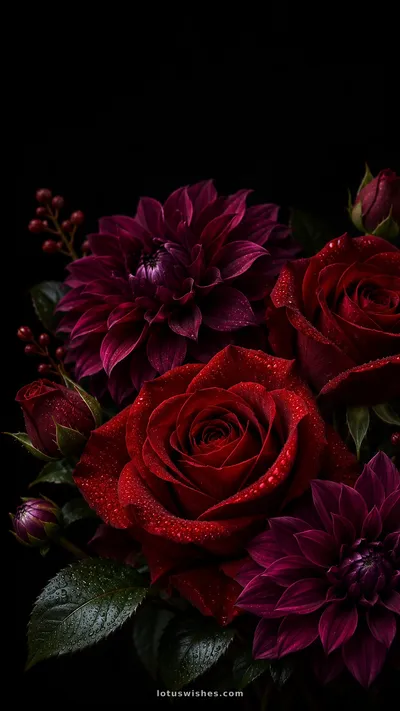
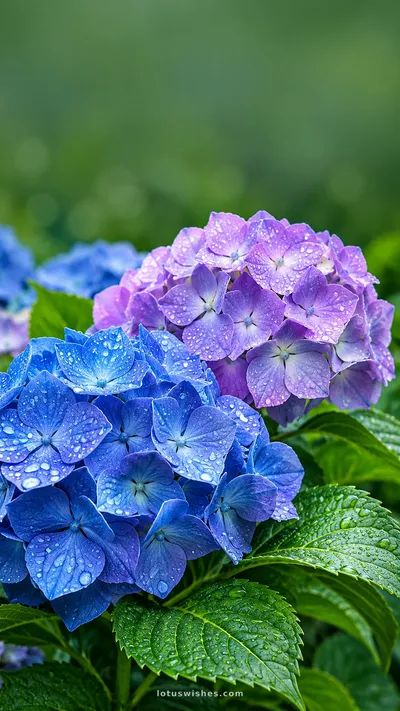
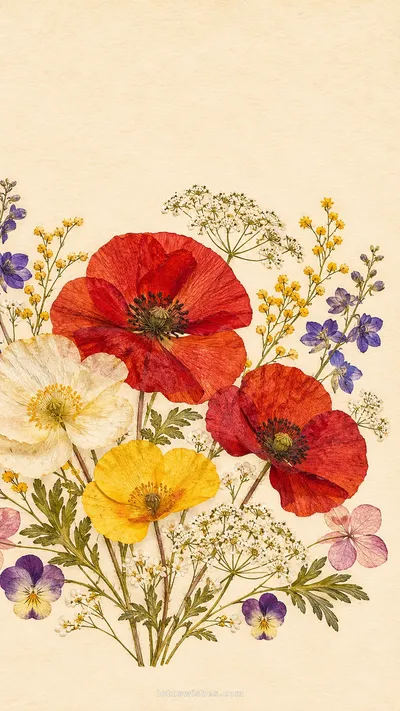
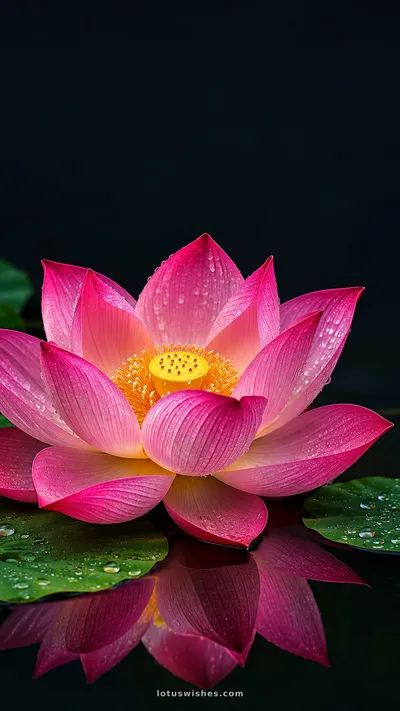
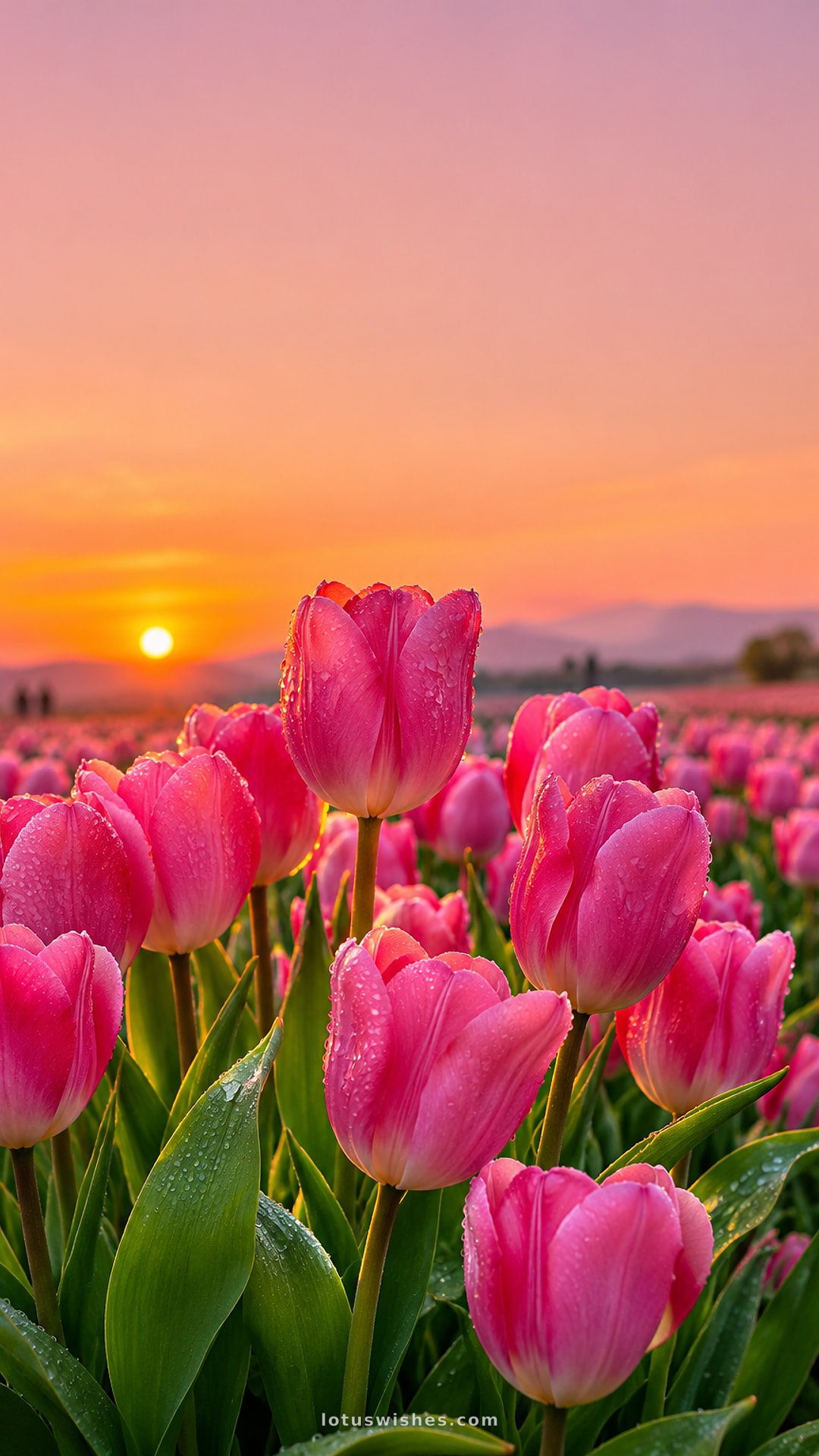
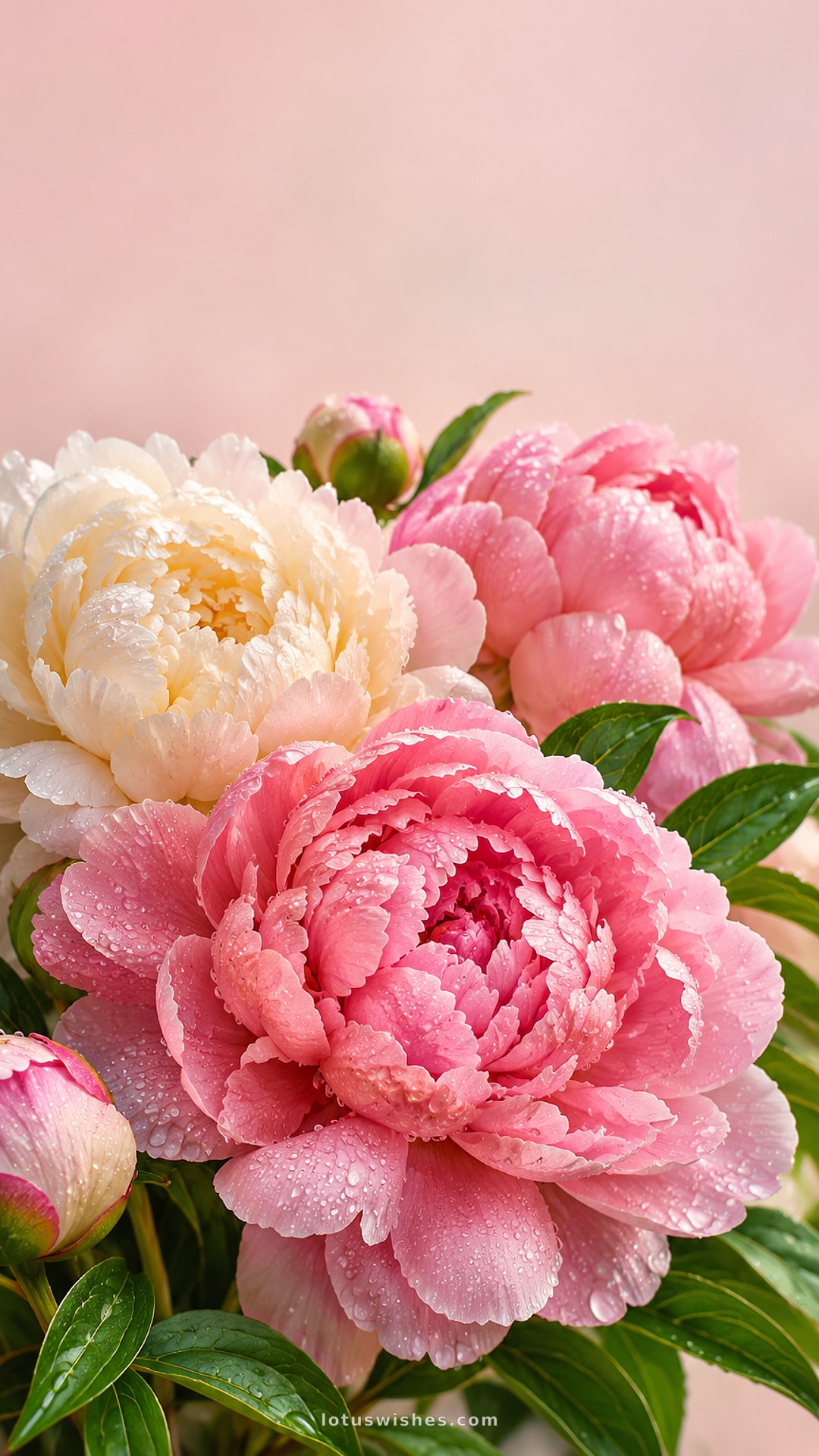
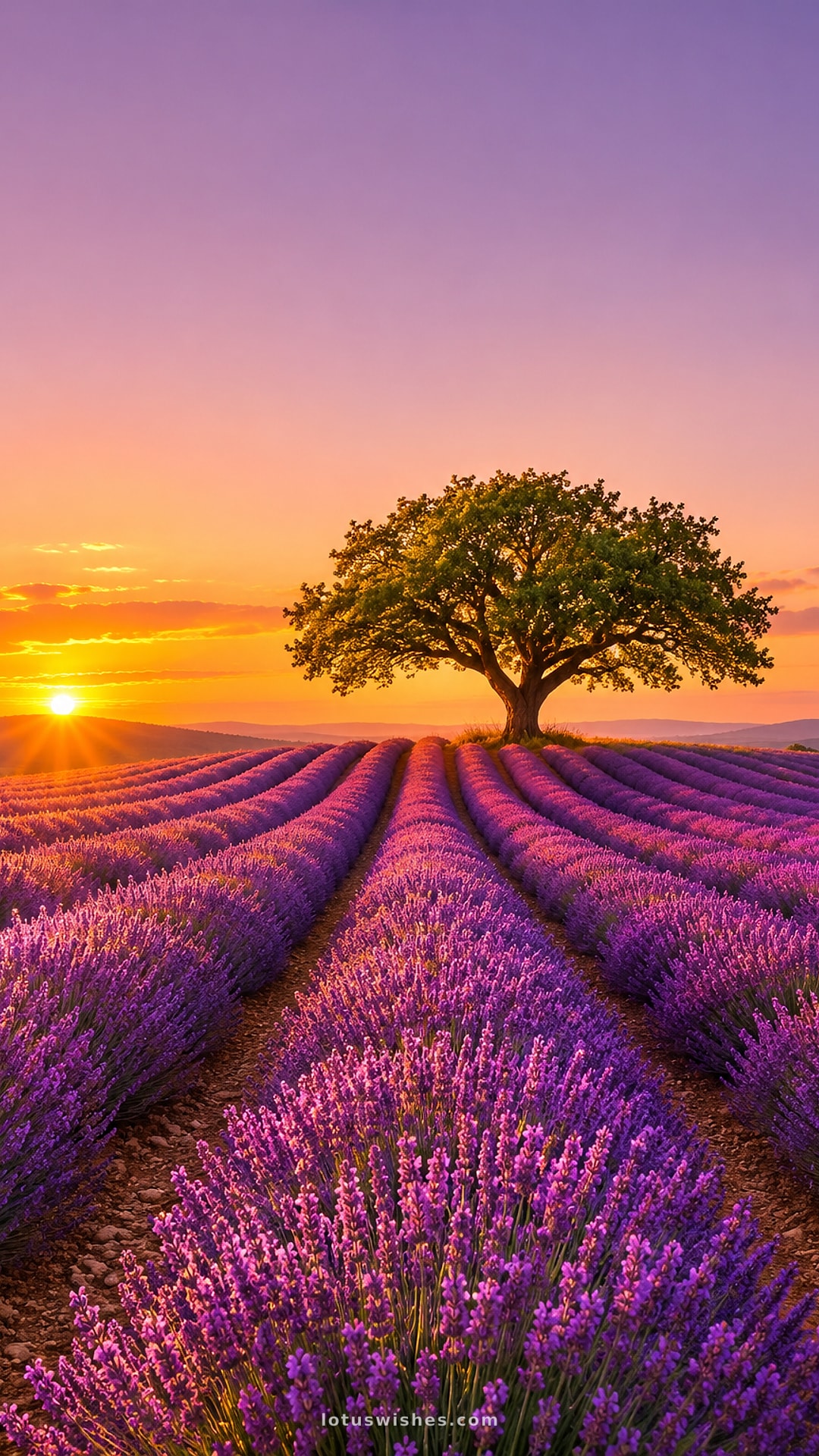
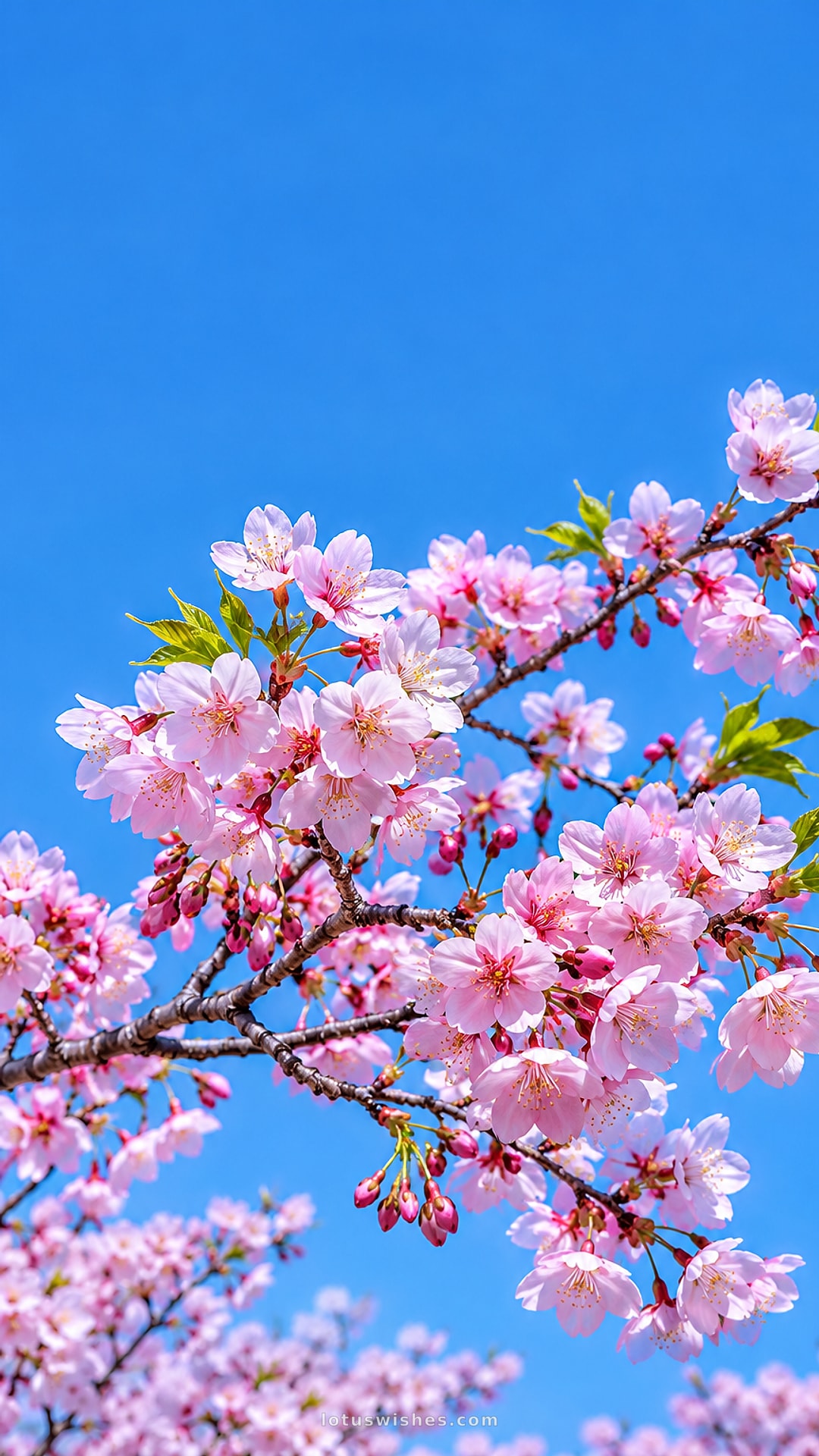
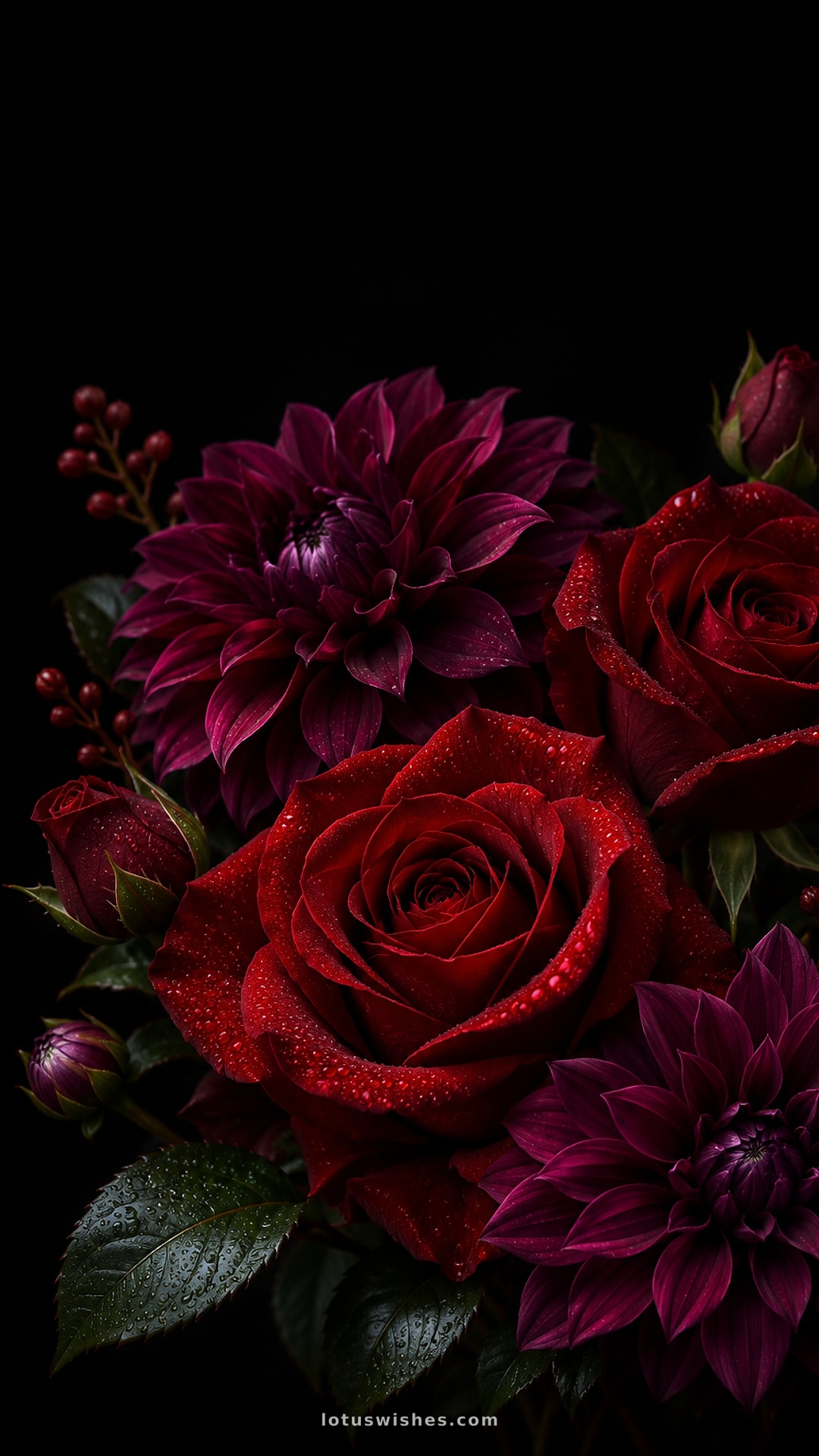
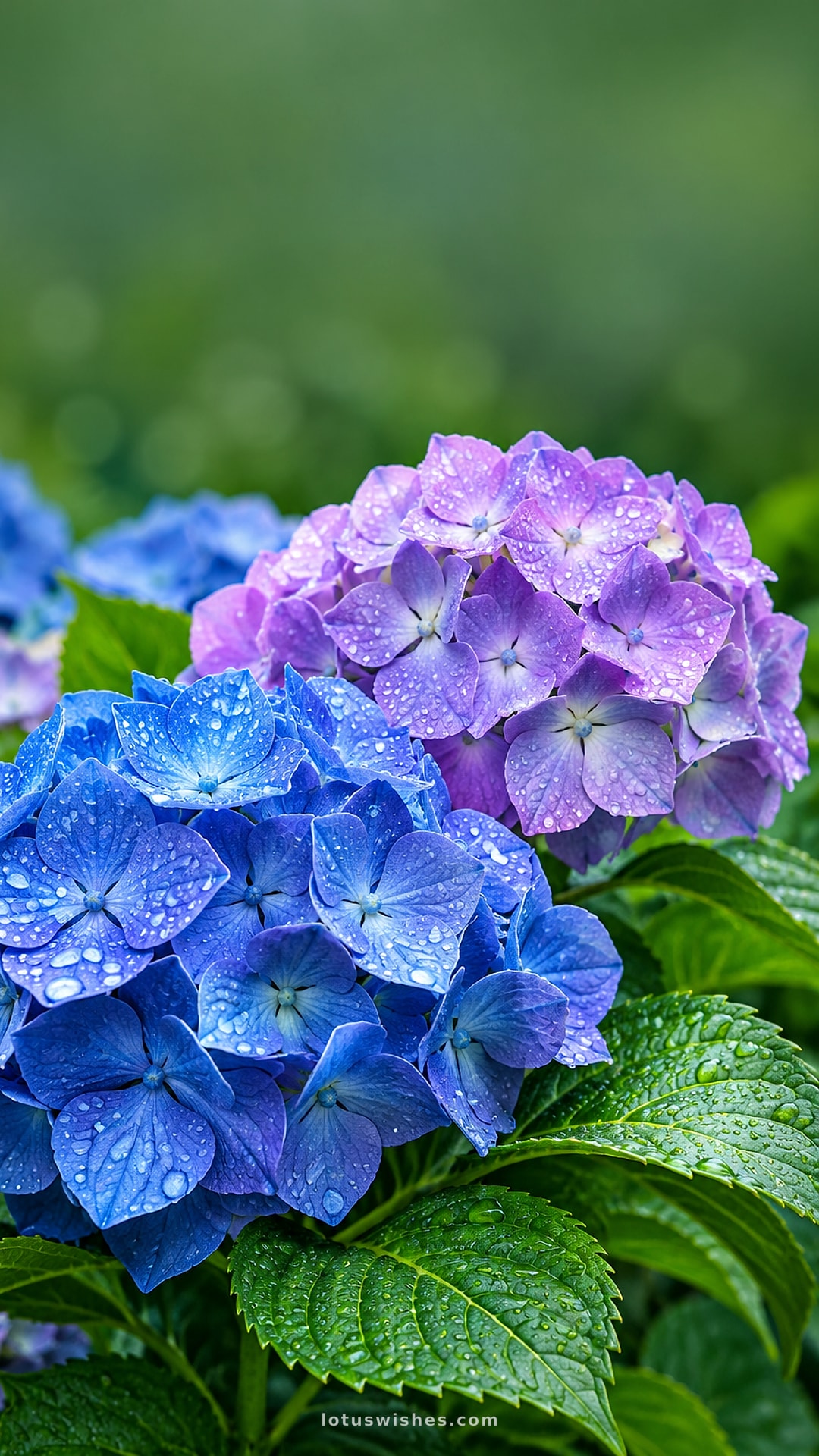
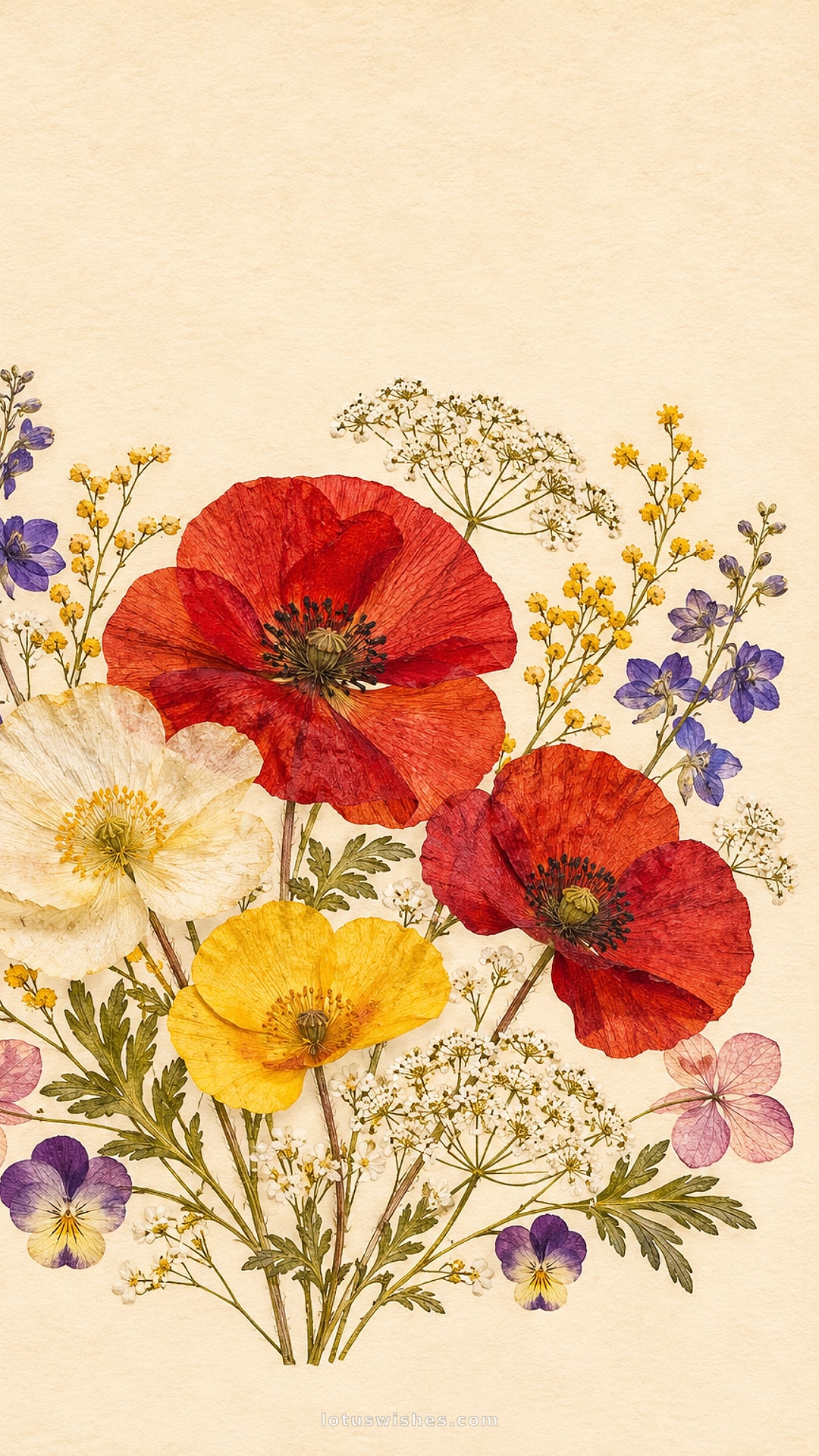
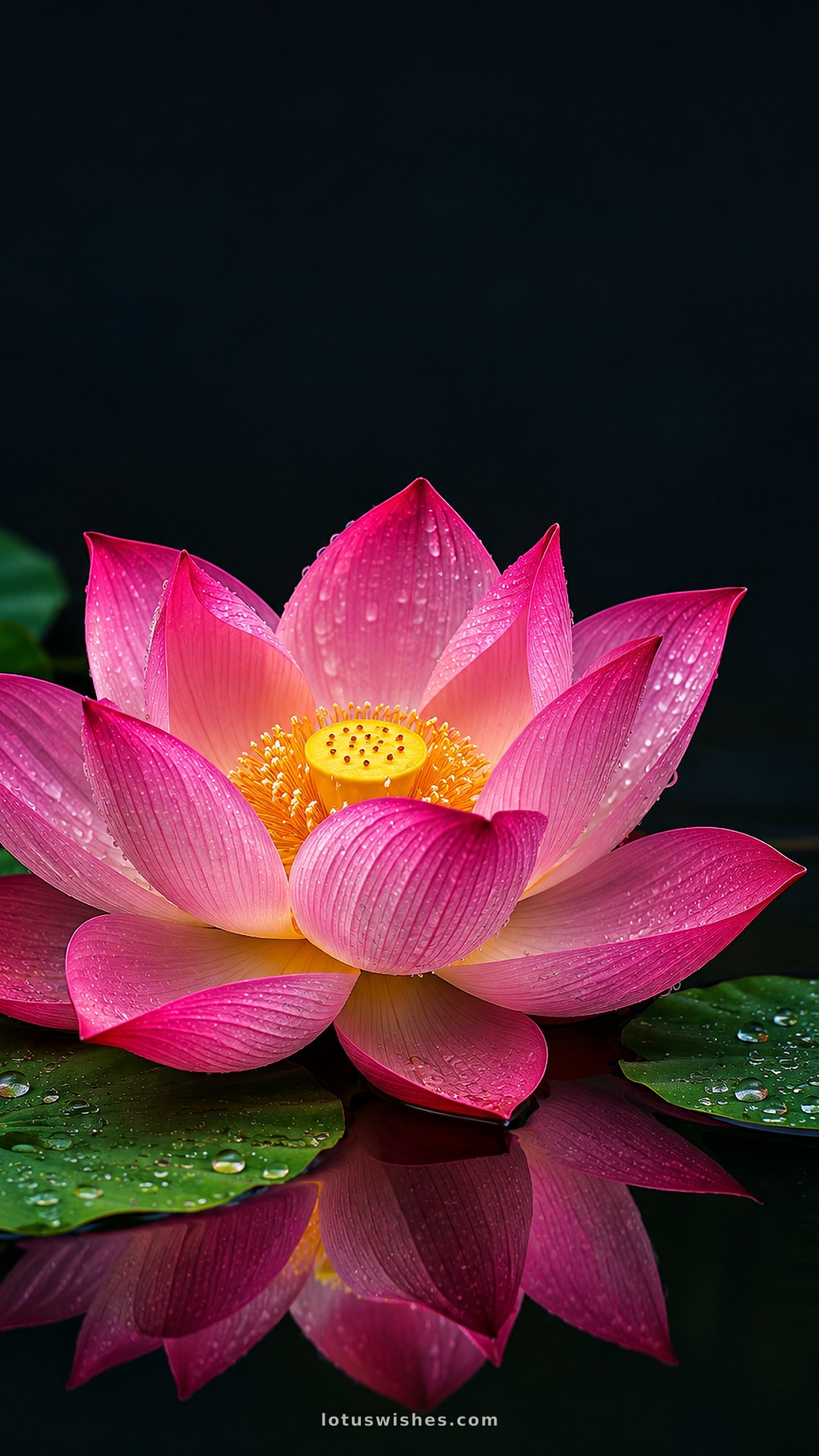
Beautiful flower wallpapers: tulip fields, peonies, lavender, cherry blossoms, sunflowers, daisies, hydrangeas and vintage botanical art. Free floral backgrounds for your phone and computer.
Also on LotusWishes: Good Morning Flowers & Roses
Questions & answers
How do I set this as my iPhone wallpaper?
Tap Download (Phone), open the image in Photos, tap the share button and choose "Use as Wallpaper". Pinch to adjust, then set it for the Lock Screen, the Home Screen or both.
How do I set it as my Android wallpaper?
Download the phone version, open it in Gallery or Google Photos, tap the three-dot menu and choose "Set as wallpaper". Pick Home screen, Lock screen or both.
Are these wallpapers free?
Yes. Every wallpaper is free to download for personal use on your phone, tablet or computer. Phone wallpapers are 1080×1920 and desktop wallpapers are 1920×1080.